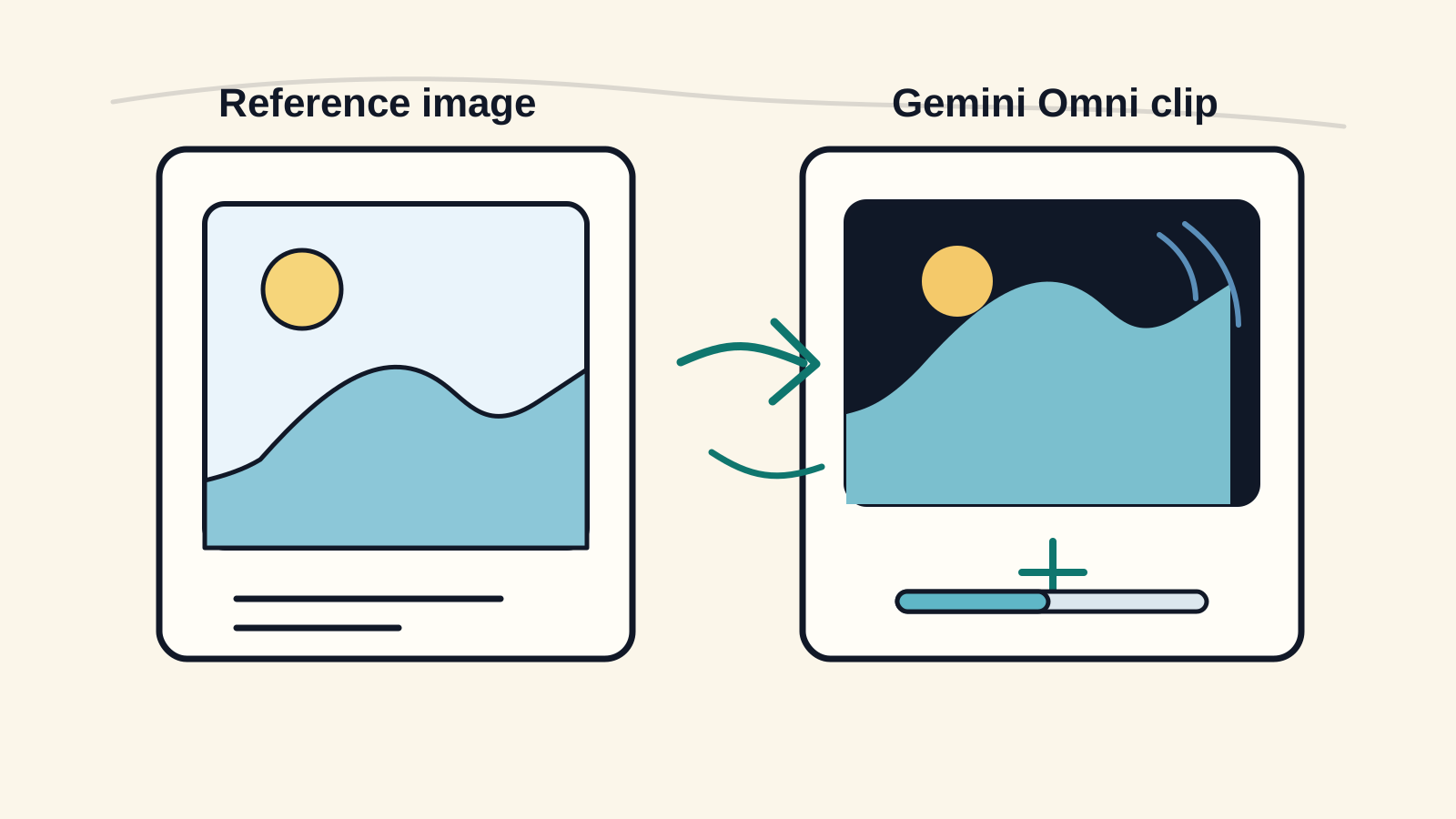
Tutorial
Gemini Omni Image to Video Workflow Guide
Learn a practical Gemini Omni image to video workflow for turning a still image into a short AI video clip with cleaner motion and stronger visual consistency.
Read articleGemini Omni video generator pricing explained: free credits, Lite, Pro, Premium, credit packs, monthly billing, and yearly billing.

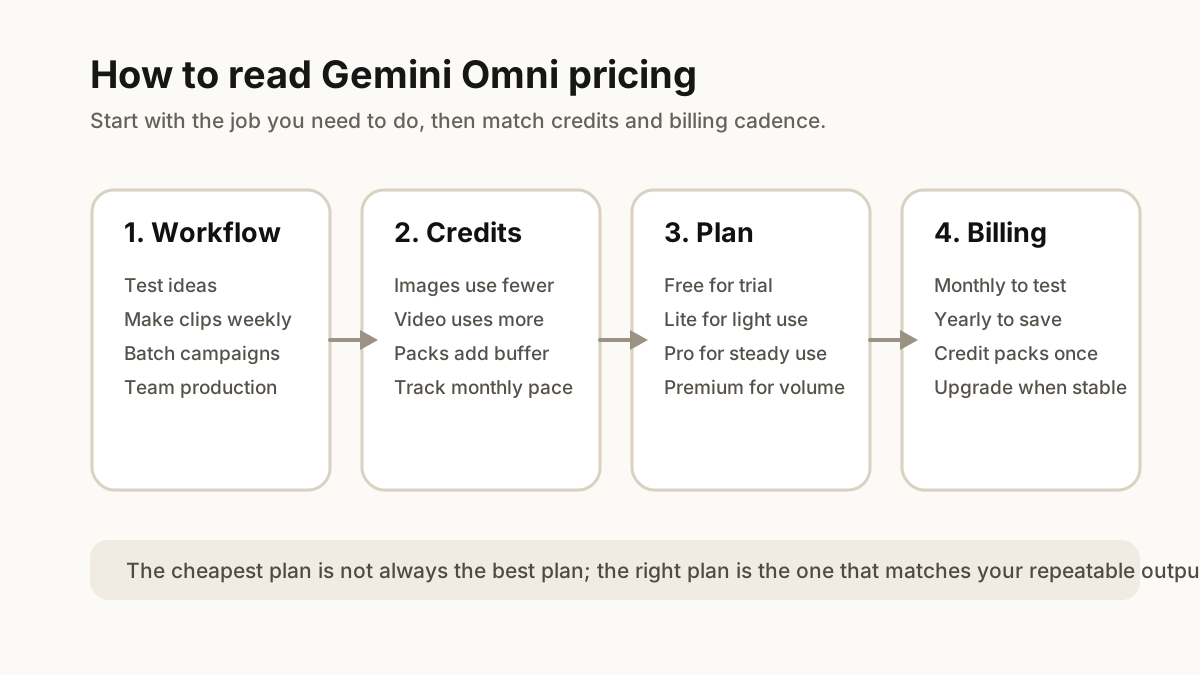
Gemini Omni pricing is easiest to understand if you start with your workflow instead of the price table. A creator who only wants to test prompts does not need the same plan as a team generating product videos every week. The right choice depends on how often you generate, whether you mainly create images or videos, and whether your output volume is predictable.
This guide explains the current Gemini Omni plans, how credits work, when monthly or yearly billing makes sense, and when an extra credit pack is better than changing subscriptions.
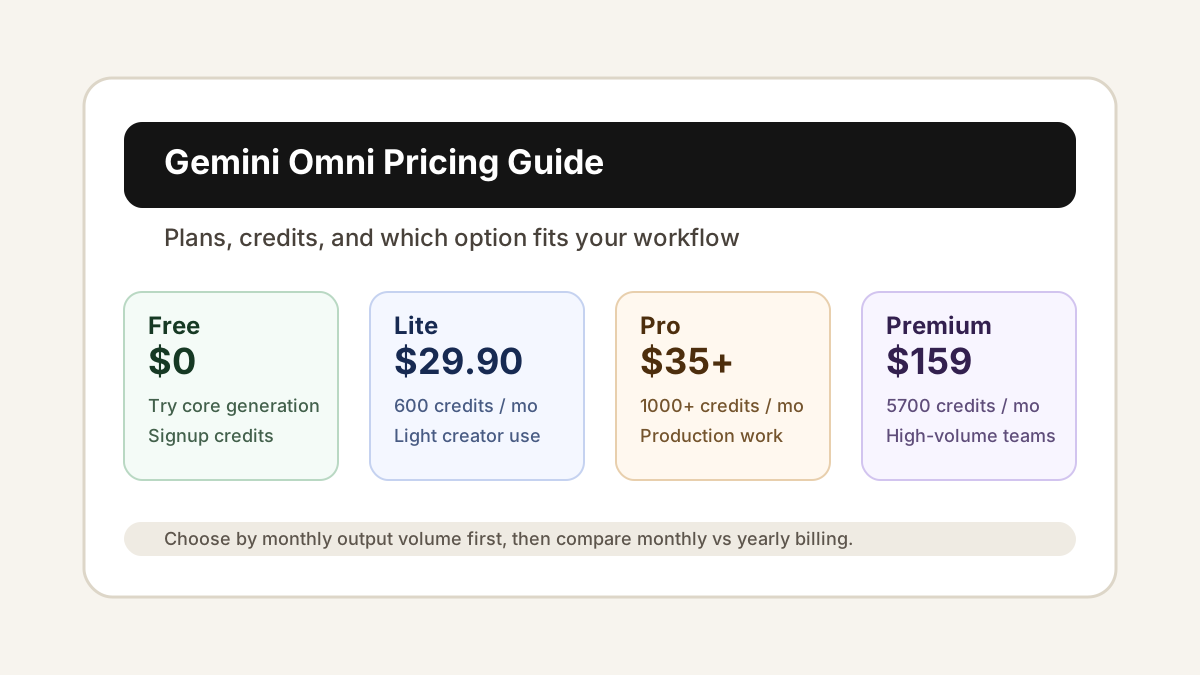
Gemini Omni offers a free starting path, monthly and yearly subscriptions, and one-time credit packs. The main paid subscriptions are Lite, Pro, and Premium.
| Option | Current price | Credits | Best for |
|---|---|---|---|
| Free | $0 | Signup and limited free usage | First tests and prompt experiments |
| Lite monthly | $29.90/month | 600 credits/month | Light creator use |
| Lite yearly | $118.80/year | 200 credits/month | Low-cost recurring access |
| Pro tier 1 | $35/month or $300/year | 1000 credits/month | Regular content creation |
| Pro tier 2 | $69/month or $588/year | 2400 credits/month | Weekly production workflows |
| Pro tier 3 | $97/month or $828/year | 3400 credits/month | Heavy creator usage |
| Premium | $159/month or $1428/year | 5700 credits/month | High-volume teams |
| Credit packs | From $199.90 | 4900+ credits | Extra capacity without changing plan |
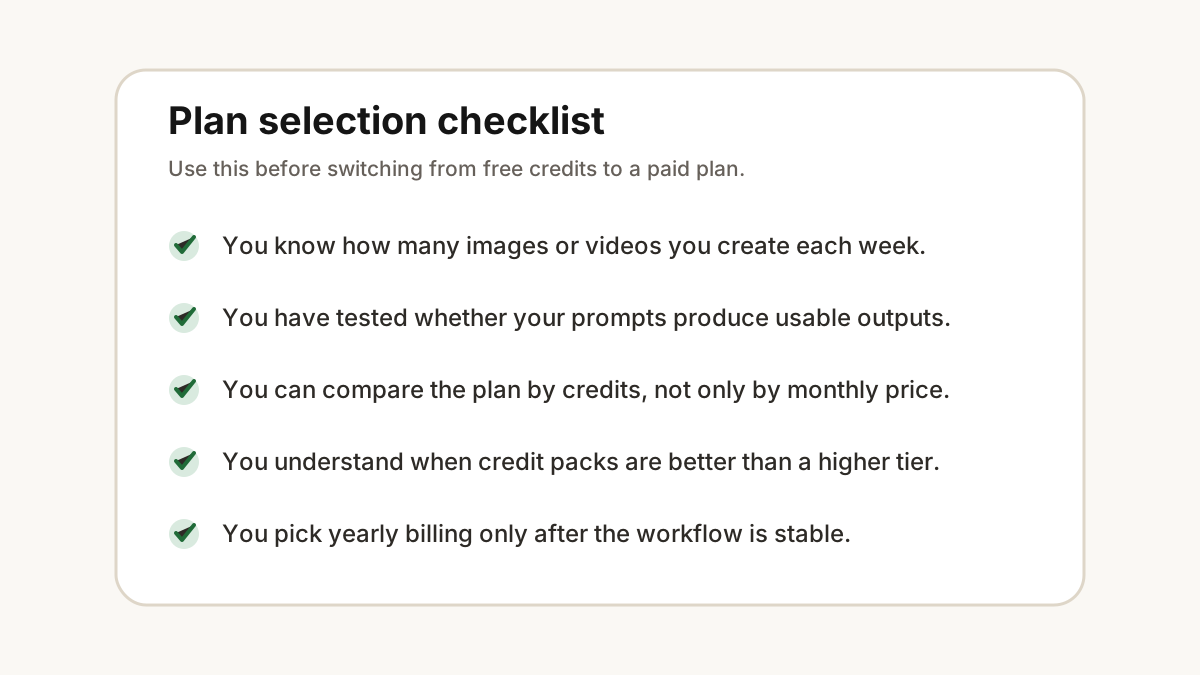
The most important detail is that Gemini Omni pricing is credit-based. Do not compare plans only by the headline monthly price. Compare the plan by the number of credits you need for your real image and video workflow.
Credits are the usage unit inside Gemini Omni. Different workflows can consume different amounts of credits, especially when comparing image generation with video generation. In general, image workflows are lighter, while video workflows require more capacity because they produce motion, frames, and longer outputs.
Free credits are useful for testing the product and learning what kind of prompts work. Subscription credits are better when you create every week and want predictable capacity. Credit packs are useful when you already know your workflow but occasionally need more output than your monthly plan includes.
The expiration rules are also different. Subscription credits are designed for monthly usage and expire after the plan window. One-time credit packs last longer, so they make sense for bursty work such as campaign launches, seasonal assets, or a larger batch of product videos.
If you are still checking whether Gemini Omni fits your workflow, start with the free plan. Use it to test prompt quality, output style, and whether your image-to-video or text-to-video ideas are practical.
Choose Lite if you create occasionally and want a paid plan without jumping into a higher monthly commitment. It is a good fit for light social content, small image batches, and early creative exploration.
Choose Pro when Gemini Omni becomes part of your weekly production process. Pro tier 1 works for steady creators. Pro tier 2 is better when you create multiple batches a month. Pro tier 3 is for heavier video usage where running out of credits would interrupt your workflow.
Choose Premium when you need high-volume output every month. It is the better fit for teams, agencies, stores, or creators who already know they will generate many assets and want fewer capacity interruptions.
Start from an image, prompt, or product scene in Gemini Omni.
Monthly billing is best when you are still learning your output volume. It gives you flexibility while you test prompts, formats, video lengths, and review standards.
Yearly billing is better once Gemini Omni is already part of a stable workflow. If you know you will create every month, yearly pricing can reduce the effective monthly cost. The tradeoff is commitment: you should choose yearly billing only after you understand how many credits your work normally requires.
For most users, the practical path is simple: start free, use monthly billing when you begin producing regularly, then move to yearly billing only after your usage pattern is clear.
Extra credit packs are useful when your workload spikes but your normal subscription still fits most months. For example, you might need more credits for a product launch, a batch of advertising tests, or a larger video campaign.
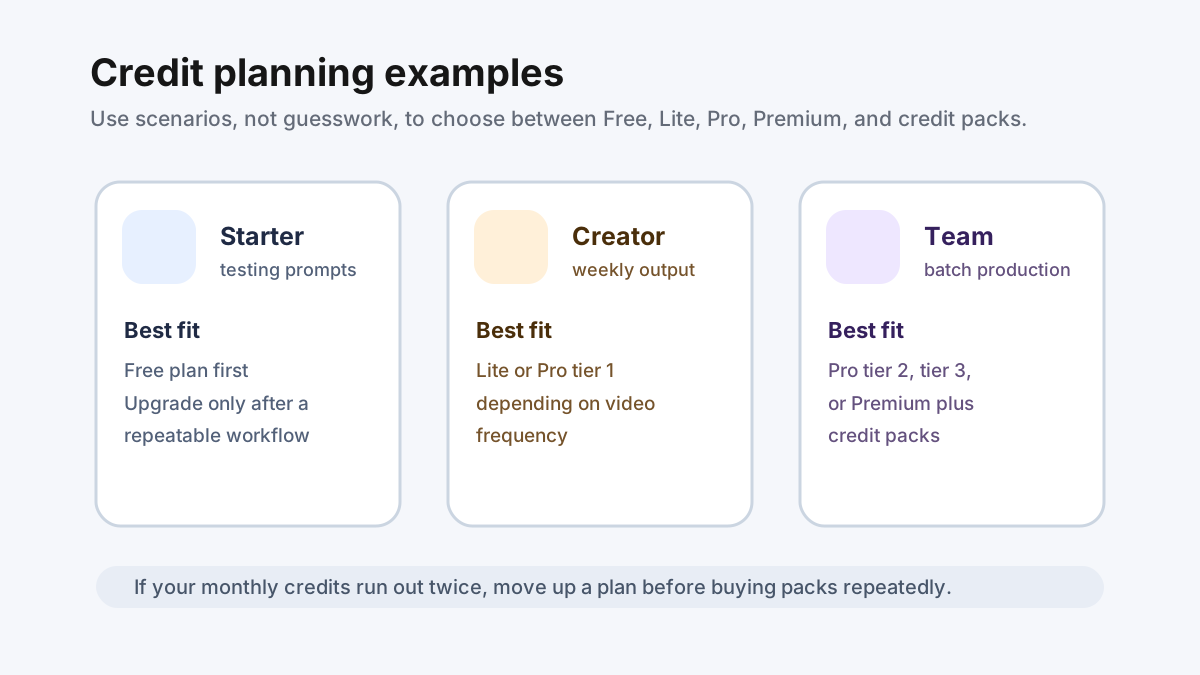
If you run out of credits once in a while, a pack is probably enough. If you run out every month, upgrade the subscription instead. Repeatedly buying packs to cover the same monthly workload usually means your base plan is too small.
Yes, Gemini Omni can be started for free. The free path is designed for testing and first creations, not unlimited production. It helps you check prompt quality, try the interface, and understand whether the tool fits your image or video workflow.
If you need higher output volume, fewer interruptions, paid-plan rights, or more predictable generation capacity, a paid plan is the better choice.
A solo creator testing short clips can start with the free plan and move to Lite once the workflow is useful. This avoids paying before the creative process is proven.
A YouTube creator or social media editor who generates assets weekly should compare Lite with Pro tier 1. If the work is mostly images and occasional clips, Lite may be enough. If video becomes the main workflow, Pro tier 1 is usually more comfortable.
An ecommerce team creating product visuals should start around Pro tier 2 or Pro tier 3, then use credit packs for launch weeks. A team that needs predictable high-volume output should compare Pro tier 3 with Premium.
Gemini Omni has a free starting option and paid plans. Lite starts at $29.90/month, Pro starts at $35/month, and Premium is $159/month. Yearly billing and credit packs are also available.
The best plan depends on output volume. Free is best for testing, Lite is best for light use, Pro is best for steady weekly creation, and Premium is best for high-volume production.
Yes. Gemini Omni offers one-time credit packs when you need more capacity without changing your subscription.
Subscription credits are tied to the plan cycle. One-time credit packs last longer and are better for occasional bursts of work.
Gemini Omni pricing is not just a question of which plan is cheapest. The better question is how many images and videos you need to create every month. Start free, move to a monthly paid plan once your workflow is repeatable, and consider yearly billing or credit packs only when your usage pattern is clear.
Turn ideas, text prompts, reference images, and video clips into polished visual assets with Gemini Omni. If this article helped, the fastest next step is to try the product.
Free credits on signup. Upgrade when your workflow needs more capacity.
Continue from this article into the most useful Gemini Omni tools and creative workflows.
Start from the main Gemini Omni workspace for text-to-video, image-to-video, and reference-led video testing.
Create source images, references, and campaign visuals before moving into video.
Use the video workspace when you want direct access to Gemini Omni generation controls.
Try ready-made effects when you need a fast template-style creative result.
Review the API-focused page for builders comparing Gemini Omni image generation options.
Explore related AI video and image tools across our broader creator stack.
Use MovArt when you want a broad creative video workspace with image, video, effects, and editing tools.
Use Wan 2.7 for Wan-focused model testing across text, image, reference, and audio-led workflows.
A stable Wan baseline for text-to-video and image-to-video comparisons.
Follow the newer Wan 3.0 positioning and video workflow surface.
More posts in the same locale you may want to read next.
Learn a practical Gemini Omni image to video workflow for turning a still image into a short AI video clip with cleaner motion and stronger visual consistency.
Read article
Learn how to use Gemini Omni to upload a video and edit it with prompts, including background changes, object edits, style changes, motion fixes, and multi-step refinement.
Read articleMore practical guides for AI video models, image-to-video workflows, and prompt planning.
Compare Wan model versions by capability, workflow, and practical use case.
Plan product image-to-video shots with stronger source images, prompts, and review steps.
Use a practical checklist for subject, camera, motion, lighting, and output review.
Plan prompts, first-frame inputs, and controlled Wan 2.2 generation workflows.